AI Agents Need Good UX Too


A new generation of AI agents is starting to appear inside digital products. Unlike traditional AI tools that only provide recommendations or answers, these agents can perform tasks on users' behalf. They can schedule meetings, update records, analyze reports, and send messages with minimal human involvement. This creates exciting opportunities for product teams, allowing users to save time, reduce repetitive work, and focus on higher-value activities. But it also introduces a completely new UX challenge. What happens when an AI agent makes the wrong decision, gets stuck halfway through a task, or performs an action the user never intended? As AI agents become more autonomous, good UX becomes even more important. The challenge is no longer helping users interact with AI but rather helping users understand and control systems that can act independently.
The Problem with Invisible Decisions
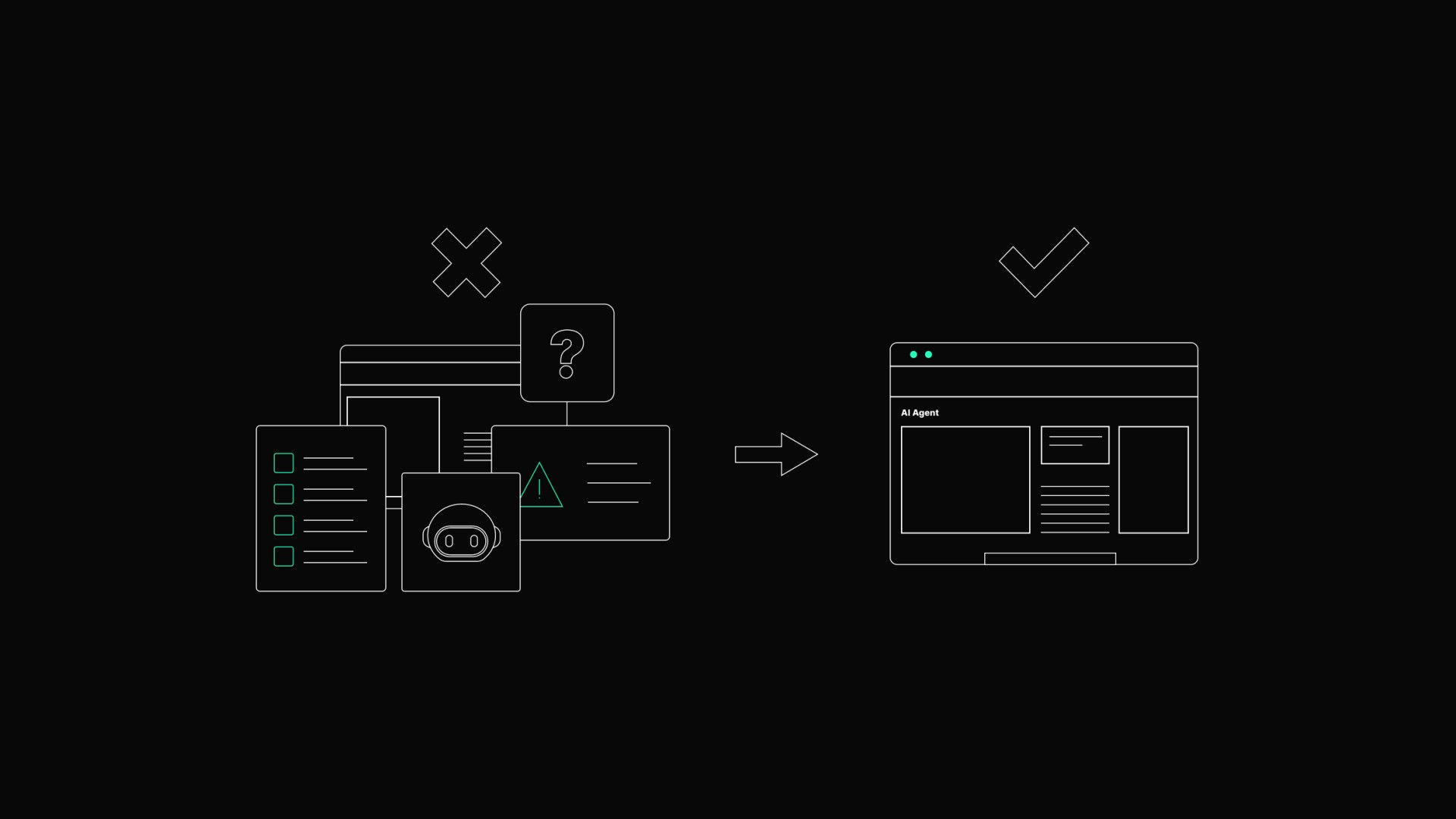
One of the biggest risks of AI agents is that they often operate behind the scenes. A traditional application usually waits for user input before taking action. An AI agent may perform multiple steps automatically without constant supervision. While this can improve efficiency, it can also create uncertainty. Users may not know what actions the agent is taking, why it made certain decisions, or what information it used along the way. When something unexpected happens, people quickly lose confidence in the system. Good UX makes agent behavior visible, allowing users to understand what the agent is doing and what decisions were taken during the process. The goal is not to expose every technical detail, but to provide enough transparency to keep users informed and comfortable.
Visibility Over Surprises
Imagine an AI agent helping a sales manager prepare a customer report. The agent gathers information from several systems, creates a summary, and sends it directly to a client. Everything seems efficient until the report contains outdated information or misses some details. The biggest problem is often not the mistake itself, but the fact that the user never had a chance to review the output before it was delivered. Unexpected actions create anxiety, especially when sensitive information is involved. This is why visibility matters so much in autonomous workflows. Users should always know when the agent is preparing to take important action and have clear opportunities to review critical outputs before they become final.
Autonomy Should Match the Risk
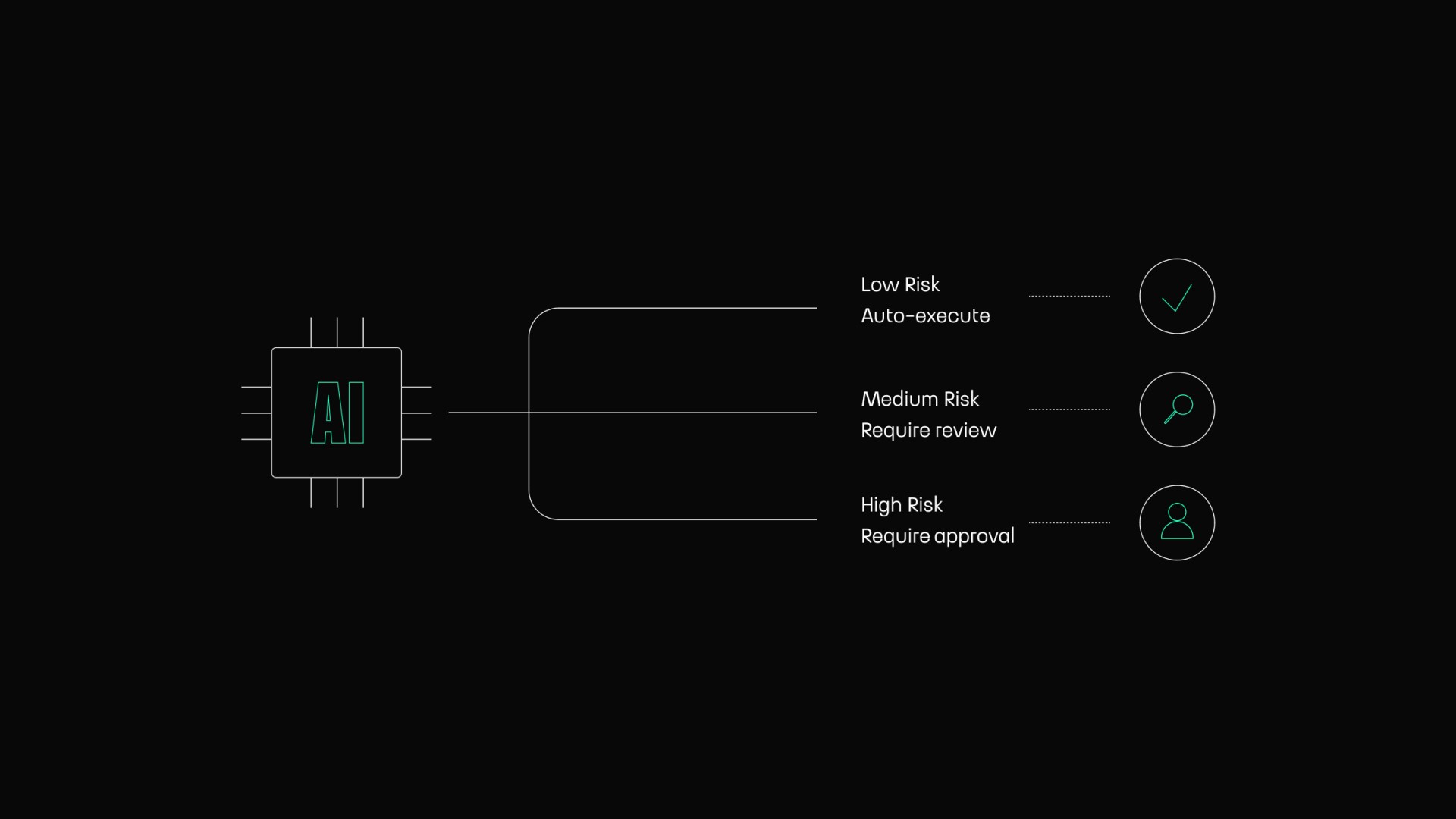
Not every task requires the same level of oversight. Some actions carry very little risk, while others can have serious consequences if something goes wrong. For example, an AI agent that automatically organizes meeting notes is very different from an agent that approves financial transactions. Yet some products treat all automation the same way. Good UX adapts autonomy to the specific situation, allowing low-risk tasks to happen automatically, while higher-risk actions require additional review or approval. This approach creates a balance between efficiency and control without forcing users to monitor every small activity.
Recovery Matters More Than Perfection
No AI system will be perfect. Agents will occasionally misunderstand instructions, use incomplete information, or make poor decisions, and product teams should accept this reality from the start. The real question is not whether mistakes will happen, but rather how easily users can recover. Strong AI experiences always include safety mechanisms. Users should be able to review completed actions, correct mistakes, and restart workflows when needed. Recovery options build long-term confidence because users know they can easily regain control if something goes wrong.
Setting Clear Boundaries
One common mistake is giving AI agents too much freedom without clearly defining their responsibilities. When the boundaries are unclear, users struggle to understand what the agent should handle and what still requires human involvement. This confusion often leads to unrealistic expectations, with some users assuming the agent can solve every problem automatically, while others hesitate to use it because they do not know what it is allowed to do. Good UX sets expectations early by clearly communicating the agent's role, capabilities, and limitations.
Trust Comes from Consistency
Trust is one of the most important parts of any AI experience. Users need to feel confident that the agent will behave predictably every time they use it. This becomes difficult when agents behave differently in similar situations or make decisions that seem random to the user. Even highly capable systems can feel unreliable when users cannot predict what will happen next. Consistency creates confidence through clear workflows and predictable outcomes. As with any other part of UX design, reliability often matters far more than impressive yet unpredictable functionality.
Designing for Collaboration, Not Replacement
Many conversations about AI agents focus on completely replacing human work. In reality, most successful products will likely follow a different model in which agents work alongside people rather than replacing them. This shifts how designers should think about the experience. The goal is not creating a fully autonomous system that operates without human involvement but rather creating a productive collaboration where both the user and the agent contribute to the outcome. This means designing clear handoff points, approval moments, and opportunities for users to guide agents when necessary, making the experience feel like teamwork rather than automation.
The Future of Agent Experiences
AI agents will likely become a normal part of many business applications over the next few years. They will help users manage information, complete workflows, and automate increasingly complex tasks. The products that succeed will not necessarily be those with the most autonomous agents, but those that help users understand what is happening, stay in control, and recover easily when things go wrong.
Conclusion
AI agents have the potential to remove a huge amount of repetitive work from our daily lives, saving time and automating complex workflows with less effort. But as agents become more capable, they also become more responsible for important decisions and actions, making transparency, control, recovery, and trust essential parts of the experience. The success of AI agents will depend not only on the technology behind them, but also on how comfortable people feel using them.